
The Silent Nightmare of Editing Published Links
I still remember the cold sweat that ran down my back when I checked my analytics dashboard early one morning. I was running a fairly successful blog, getting steady daily visitors, and making a handsome amount from ad revenue. Just the night before, I decided to "clean up" some of my old article web addresses because I thought they looked a bit messy. I did not think twice about it, assuming the search engines would just figure it out on their own. I was horribly wrong.
When I woke up, my real-time traffic was completely flatlined at zero. Every single person trying to read my top-performing posts was getting slammed into an ugly 404 error page. Panic set in instantly because I had no idea how many links I had actually changed. I frantically tried to remember the exact old web addresses to change them back, but it was already too late. My search engine rankings had tanked, and my income for the entire week simply vanished into thin air.
This is exactly what happens when you modify a published web address without understanding the technical background. Regular website owners face this heartbreaking situation every single day, completely destroying months or even years of hard work. You write amazing content, you build trust, and you finally get a good spot in the search results. But just one tiny change to the link text wipes out all that success in the blink of an eye.
The mental toll this takes on a content creator is extremely heavy. You constantly refresh your phone screen, praying that the numbers will start going up again, but they do not. The stress of losing your primary income source because of an innocent formatting mistake can keep you awake at night. You start doubting your own skills, wondering if the algorithms are actively punishing you.
Your regular readers also suffer because they have bookmarked your helpful guides, only to find them completely gone. They feel frustrated and simply close the tab to visit your competitor's website instead. The absolute worst part is the feeling of helplessness, knowing that you clicked the update button with your own hands. You essentially burned down your own digital house just to fix a slightly crooked door frame.
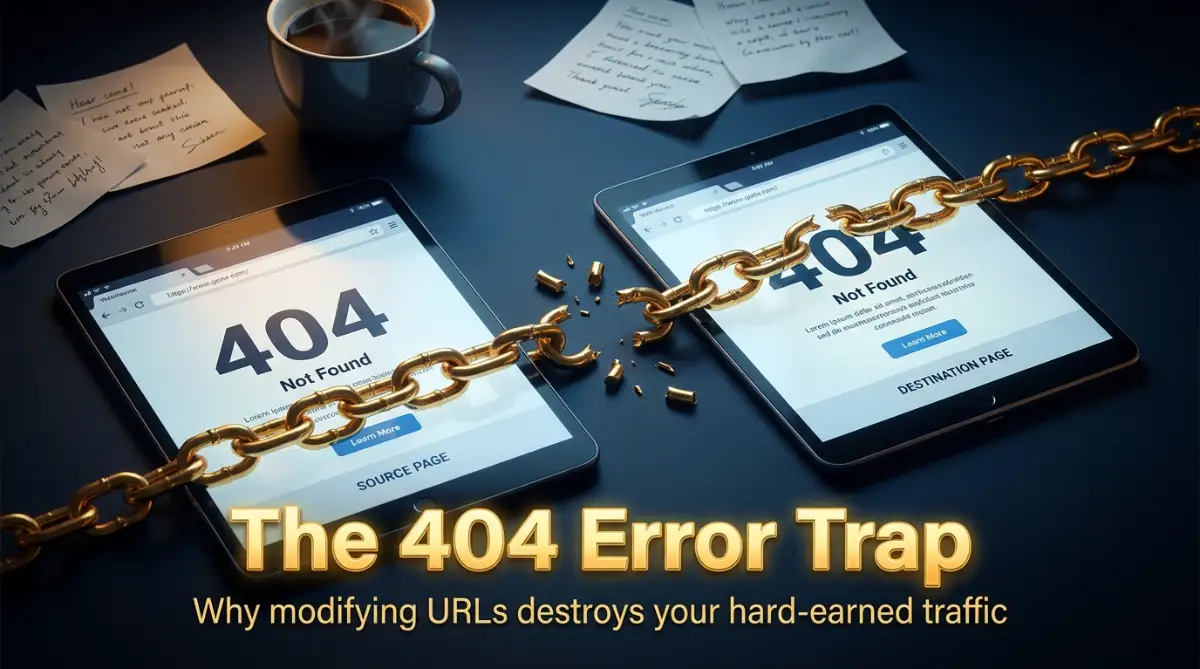
What Actually Breaks When You Modify Your URLs
Changing a web address might seem like a simple cosmetic update on your screen. However, behind the scenes, you are triggering a massive chain reaction of technical failures. To truly protect your online business, we need to understand exactly what goes wrong.
Let us look at the specific elements that break immediately after you hit that update button. You will quickly see why experts strongly advise against doing this without a proper safety net.
The Complete Loss of Built-Up Link Equity
Think of link equity as the digital reputation points your specific page has earned over time. When other websites point back to your article, they are telling search engines that your content is trustworthy. This trust is tied directly to the exact URL string, not the text on the page.
If you change even one single letter in that link, search engines treat it as a brand-new page with zero reputation. All those hard-earned mentions from big publications become completely useless. The external websites are still pointing to the old address, which now leads absolutely nowhere.
This means your new link has to start building trust from scratch. It is like changing your home address without telling the post office or your friends. People will keep sending gifts to the old house, but you will never receive them.
Pro Tip: I learned the hard way that a slightly ugly URL with strong backlinks is infinitely better than a perfectly clean URL with zero authority. Now, I simply leave old, slightly awkward URLs alone as long as they are bringing in steady visitors.
The Google Indexing Disconnect
Search engine bots keep a massive directory of all the active pages on the internet. When you publish a post, the bot reads it and saves that exact web address in its database. When someone types a query, the system pulls up that specific saved link.
By altering the permalink, you break the connection in that massive directory. The search engine bot still has your old link saved and continues to show it to users. When users click it from the search results, they hit a dead end.
Eventually, the bot will crawl your site again and notice the old page is missing. It will then drop that old link from the search results entirely. Meanwhile, your new link might take weeks to get noticed and ranked properly. During this gap, you lose all organic visibility.
Internal Linking Structure Collapse
Your website is held together by a network of internal connections pointing from one post to another. These connections help visitors easily navigate your content and find more helpful information. They also help automated bots understand the structure of your site.
When you modify an article's web address, every single internal link pointing to that article instantly breaks. You might have linked to this specific guide from fifty different places on your blog. Now, you have fifty broken internal links dragging down your overall site quality score.
Search engines hate websites with poor internal structures. It signals that the site is poorly maintained and offers a bad experience. Manually finding and updating all those broken internal connections is a massive waste of your valuable time.
The Devastating Impact on User Experience
We often forget that real human beings are on the other side of the screen. User experience is a massive ranking factor, and broken pages provide the worst experience possible. Imagine reading an exciting introduction, clicking to learn more, and seeing a generic "Page Not Found" message.
The immediate reaction for any user is to hit the back button and leave your site completely. This action sends a very negative signal to search algorithms about your website. It tells the system that people are not finding what they want.
A high bounce rate due to missing pages will slowly drag down the rankings of your entire domain. People will also stop sharing your links on social media platforms if they constantly encounter errors.
Here is a quick summary of what happens:
- Instant 404 Errors: Visitors hit a wall instead of your content.
- Lost Authority: Your page drops out of the top search results.
- Wasted Crawl Budget: Bots waste time trying to find the missing page.
- Revenue Drop: Fewer visitors directly means fewer ad clicks.
Social Media History Gets Wiped Clean
Whenever someone shares your article on platforms like Facebook or Pinterest, the system tracks engagement based on the specific web address. All those likes, shares, and comments are tied directly to that exact URL. Social proof is incredibly valuable for encouraging new people to click and read.
When you change the permalink, all that social proof vanishes instantly. If someone shares the new link, it starts with zero engagement. It looks like a brand-new, unpopular article to anyone scrolling their feed.
Even worse, the old links pinned on Pinterest boards will now lead your potential fans to an error screen. Pinterest might even shadowban your domain if they detect too many broken links associated with your account. You lose both historical engagement and future traffic potential from social networks.
When Is It Actually Safe to Change a Link?
Many beginners ask if there is ever a valid reason to update a published URL. The simple answer is that you should only do it if absolutely necessary, and only if you know how to handle the technical side.
If an article was published just a few minutes ago and you spot a spelling error in the link, it is usually safe to fix it. Search engine bots likely have not indexed it yet, and no one has linked to it. However, if the article has been live for more than a few days, you need to be very careful.
Another valid reason is if you are doing a massive content overhaul and combining several old posts into one mega-guide. In this specific scenario, updating the structure makes sense for the long-term health of your site. But you cannot just change the text and walk away.
Myth vs Reality: Permalink Management
Let us clear up some common misunderstandings about managing your website addresses. Many people follow outdated advice that actually harms their business.
Myth: Having exact match keywords in the URL is so important that you should update old posts to include them.
Reality: While having keywords in the link is slightly helpful, the ranking drop from breaking the link is far worse. Keeping the old, non-optimized link is much safer.
Myth: Search engines will automatically figure out that you changed the link and update their database seamlessly.
Reality: Automated bots are smart, but they do not guess. If they see a missing page, they assume it is gone forever unless you specifically provide directions to the new location.
Myth: You only lose traffic for a few days, and then everything goes back to normal.
Reality: Without proper technical setups, that lost traffic might never return. The competitors who took your spot will hold onto it.
The Concept of the 301 Redirect Solution
If you absolutely must change a web address, there is only one correct way to do it. You have to use a technical process known as a permanent redirect. This is essentially a digital forwarding address for your content.
When you set up a permanent redirect, you are giving clear instructions to both web browsers and search engine bots. You are saying, "The content that used to live here has permanently moved to this new address."
When a user clicks the old link from a social media post, the server intercepts their request. Before they ever see an error screen, they are seamlessly transported to the new, updated link. The process happens in milliseconds, and the user usually never even notices the jump.
Why Redirects Save Your Rankings
The most beautiful part of this forwarding process is how search engines handle it. When the bot tries to crawl the old link, it sees the forwarding instruction. It then follows the path to the new address and updates its database.
Most importantly, the system passes almost all of the trust and authority from the old link to the new one. All those valuable mentions from other websites still count toward your ranking. The external sites point to the old link, the server forwards it, and the trust flows directly to your new page.
How to Make Readers Watch Your Guide:
If you find this technical concept a bit confusing, do not worry. Sometimes seeing the process visually makes it incredibly easy to understand and apply.
Watch this simple walkthrough below to see exactly how to update links safely without losing a single visitor.
How to Implement Redirects Easily
You do not need to be a computer programmer to set up these forwarding paths. Modern website platforms have incredibly user-friendly tools that do the heavy lifting for you.
If you use popular SEO plugins, many of them have built-in redirect managers. The moment you change a published web address, the tool will automatically detect the change. It will pop up a window asking if you want to forward the old address to the new one.
All you have to do is click yes, and the software writes the necessary server rules automatically. If you do not have an automatic tool, you can install a lightweight, dedicated redirect plugin. You simply paste the old link in one box, the new link in another box, and save your changes.
Comparing Your Options
Let us look at a direct comparison so you can easily understand the best path forward for your website. This will help you make a logical decision the next time you feel tempted to edit a published post.
As you can see, simply leaving the link alone is usually the most effective choice. If you must change it, the forwarding method is mandatory to protect your digital assets.
Auditing Your Site for Broken Links
What if you have already made this mistake in the past? Do not panic, because there is still a chance to fix the damage. You need to find out exactly which pages are currently leading visitors to dead ends.
You can use free webmaster tools provided by major search engines to scan your site. These platforms have specific reports that show you exactly which links are returning errors. They will give you a list of the exact addresses that automated bots tried to visit but failed.
Once you have this list, you can match those old addresses to your current active content. Then, you simply set up the forwarding paths manually. While you might not recover all the lost momentum, this action will immediately stop the bleeding and improve your site's overall health score.
Updating Your Internal Navigation
Even when you use forwarding rules, it is a smart habit to clean up your own internal structure. While the automatic jump works perfectly, it adds a tiny fraction of a second to the page loading time.
If you have a popular guide that you link to often, try to go back and update those specific text links. Change them to point directly to the new address instead of relying on the forwarder. This makes your website load slightly faster, which is always a good thing for both humans and algorithms.
You can use search features within your dashboard to find every post that mentions the old topic. It takes a little bit of manual labor, but it keeps your digital house incredibly clean and well-organized.
The Golden Rule of Publishing
To avoid this entire messy situation, you need to establish a strict publishing routine. The best way to handle link structures is to get them right the very first time.
Before you ever hit the publish button, take thirty seconds to review the generated web address. Make sure it is short, readable, and includes your main topic. Remove filler words like "and," "the," or "in."
Once you are happy with how it looks, lock it in your mind. Treat that web address as if it is permanently carved into stone. You can always go back and rewrite the actual text of the article a hundred times over. You can change the main titles, swap out the pictures, and update the formatting safely. But the link itself must remain untouched.
Next-Level Tactics to Future-Proof Your Web Addresses
When you finally understand how fragile web links are, you naturally want to protect them. The best way to deal with broken links is to set up a system where you never have to change them in the first place. I want to share some professional strategies I use to keep my digital business running smoothly.
If you want to build profitable skills and work from home as a full-time content creator, you must treat your website infrastructure like a physical storefront. You cannot keep changing the front door every week and expect customers to find you. Let us explore how to plan your links strategically from day one.
The Evergreen Link Strategy
The absolute best practice for any publisher is to create evergreen web addresses. This means you strip away any temporary information from your link before you publish the post. For example, if you write a guide about the best budget laptops, do not include "this-year" or "budget-laptops-for-students" if it might change later.
Keep it incredibly simple, like "best-budget-laptops". This allows you to update the actual article content next month or next season without ever touching the link. The inventor of the web actually created a rule about this exact concept long ago. According to the World Wide Web Consortium's famous rule that cool URIs don't change, a well-planned web address should theoretically last forever.
Updating Content Without Touching the Slug
A major point of confusion for beginners is how to refresh old, outdated articles. You might think that if you change the main headline of your post, you must also change the web address to match it perfectly. That is completely false and highly dangerous.
Search engines are smart enough to read your new headline, your new introduction, and your fresh images. They will reward you for updating the content even if the link remains exactly the same. I regularly take posts from three years ago, rewrite them completely, change the publish date to today, and hit update.
Because I leave the link exactly as it was, my page keeps all its historical authority and gets a massive boost in search rankings. It is the easiest way to double your traffic without writing a brand-new post from scratch.
Mastering the Hub and Spoke Model
Instead of creating incredibly long, complicated web addresses, use a clean structure known as the hub and spoke model. This means you have one main category page, and all related articles link back to it. This keeps your individual article links short, sweet, and highly focused on one main keyword.
Short links are much easier for human beings to read, copy, and share on social media. They also look much more trustworthy in the search results compared to a link filled with random numbers and dates. A clean structure acts as a permanent digital filing cabinet that makes sense to both readers and automated bots.
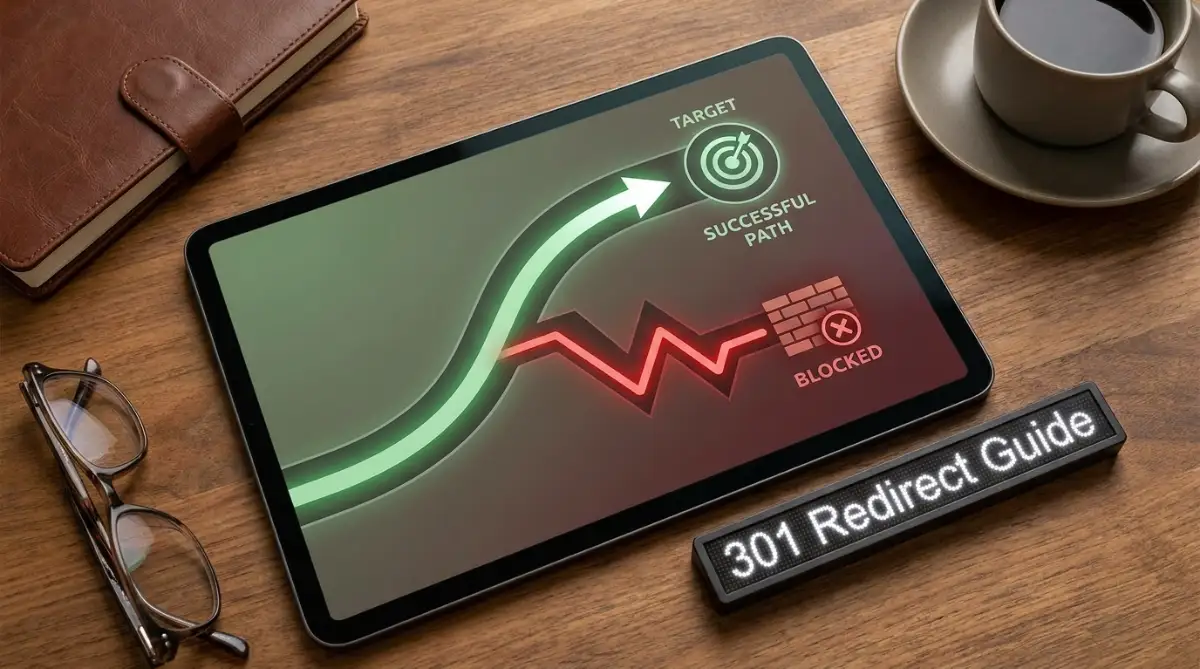
The Traps That Destroy Hard-Earned Traffic
Even with the best intentions, people still fall into terrible traps when managing their websites. I have seen incredibly smart business owners wipe out their entire AdSense revenue overnight by making these simple mistakes. Let us walk through the most dangerous pitfalls you need to avoid at all costs.
The Endless Redirect Chain Loop
Imagine you move to a new apartment and set up mail forwarding. A year later, you move again and set up another forwarding address. If you do this five times, the post office gets confused, and your mail eventually gets lost. This exact same thing happens with website links.
Many publishers update a link, set up a forwarder, and then update it again a few months later. This creates a confusing chain where link A goes to link B, link B goes to link C, and link C goes to link D. Automated search bots absolutely hate these chains because they waste server resources and slow down the internet.
Eventually, the bot will just give up and drop your page entirely. You can read Google's official documentation on site moves to see how strongly they warn against creating multiple hops. If you must forward a link, always make sure the old link points directly to the final destination, skipping any middle steps.
Ignoring the Reader's Error Experience
Sometimes, despite your best efforts, a link will break and a reader will land on an error page. A massive mistake publishers make is leaving their default "Page Not Found" screen completely blank and unhelpful. When a reader sees a blank error screen, they feel frustrated and immediately close the tab.
You need to turn this negative moment into a helpful experience. Design your error screen to include a friendly apology, a search bar, and links to your most popular articles. According to Nielsen Norman Group's research on error message guidelines, providing constructive help instead of a dead end significantly reduces user frustration.
When you give them a way out, they will often click another article instead of leaving your site. This keeps your bounce rate low and protects your overall domain quality score.
The Category Restructure Disaster
Another trap people fall into is completely changing their website categories after a few years. They decide to rename all their blog sections, which accidentally changes the web address of every single article inside those sections. I did this once when I was a beginner, and it triggered thousands of broken links instantly.
If your website platform is set up to include category names in your article links, you must never rename a category without a solid technical plan. Doing so is exactly like changing the street names in a massive city overnight. No one will know how to find anything, and the search engine bots will penalize your site for poor maintenance.
Failing to Update Internal Connections
When we learn about understanding the psychology of memory, we realize that human brains need clear, repeated connections to retain information. Search engine algorithms work in a very similar way. They rely on the connections between your articles to understand what your website is actually about.
If you set up a forwarder for a broken link but forget to update the text links inside your older articles, you are sending mixed signals. The bot has to process the redirect every single time it crawls your older posts. Over time, this tiny delay adds up and slows down your entire website performance. Always take the time to clean up your internal text links after making a major update.
Securing Your Digital Real Estate Moving Forward
Managing a website successfully is all about making smart, long-term decisions that protect your income. We spend so much energy writing great content, researching keywords, and designing beautiful images. It makes zero sense to throw all that effort away just because a web address looks slightly outdated.
The most successful digital publishers treat their published links with extreme respect. They plan their link structures carefully before they ever hit the publish button. If you are just starting out and need more foundational advice, I highly recommend browsing our main resources to build your knowledge base step-by-step.
Your Pre-Publishing Action Plan
To make sure you never experience the panic of a traffic drop, you need a simple routine. From today onward, make link verification the final step of your publishing process. Before you make any post live, look at the auto-generated web address and trim it down.
Remove unnecessary words like "to", "and", "the", or "for". Make sure it clearly states the main topic in three to four words maximum. Once you confirm it looks clean and readable, publish the post and consider that link permanently locked.
If you ever feel the urge to change it later, remind yourself of the massive risks involved. Ask yourself if a slightly prettier link is really worth losing weeks of AdSense revenue and search engine trust. In almost every single case, the answer will be a firm no.
A Word From My Own Journey
I h